
Features
Mendeley features for PDF libraries, annotation, and Word citations
Mendeley Reference Manager covers the research loop from importing papers to citing them. Below is a breakdown of real capabilities: library organization, PDF reading tools, Mendeley Cite, sync and storage, plus AI-assisted reading helpers described in current product materials.
Last reviewed: 15 July 2026 · Related troubleshooting guides
Library, collections, and smart views
Keep All References in a sortable table with authors, year, title, source, and attachment status. Sidebar views include Recently Added, Recently Read, Favorites, My Publications, Unsorted, Duplicates, and Trash.
- Create collections for projects such as a thesis chapter or lab theme.
- Join or create groups when collaborators share a reading list.
- Use the Duplicates smart collection to clean repeated imports.
Read, highlight, and annotate PDFs
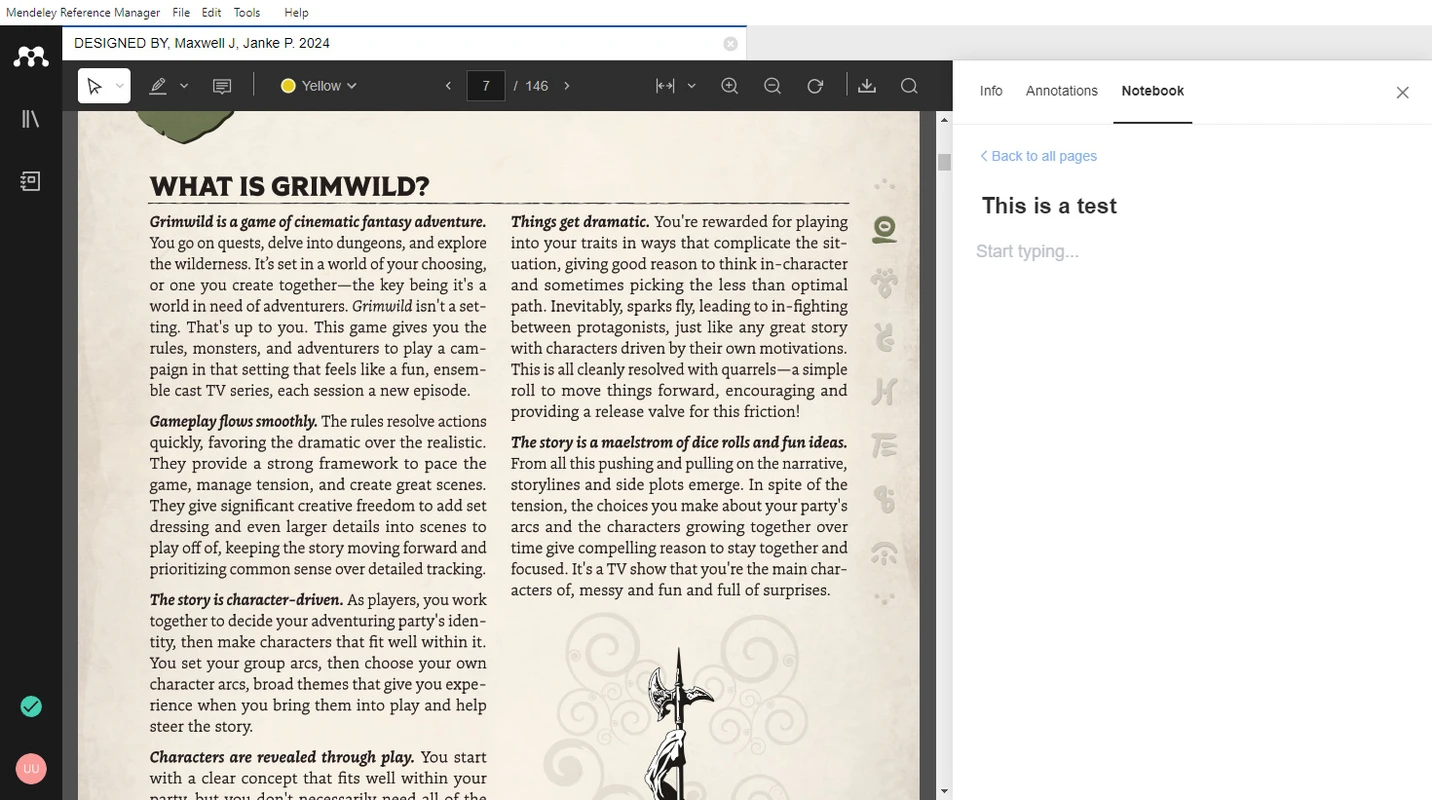
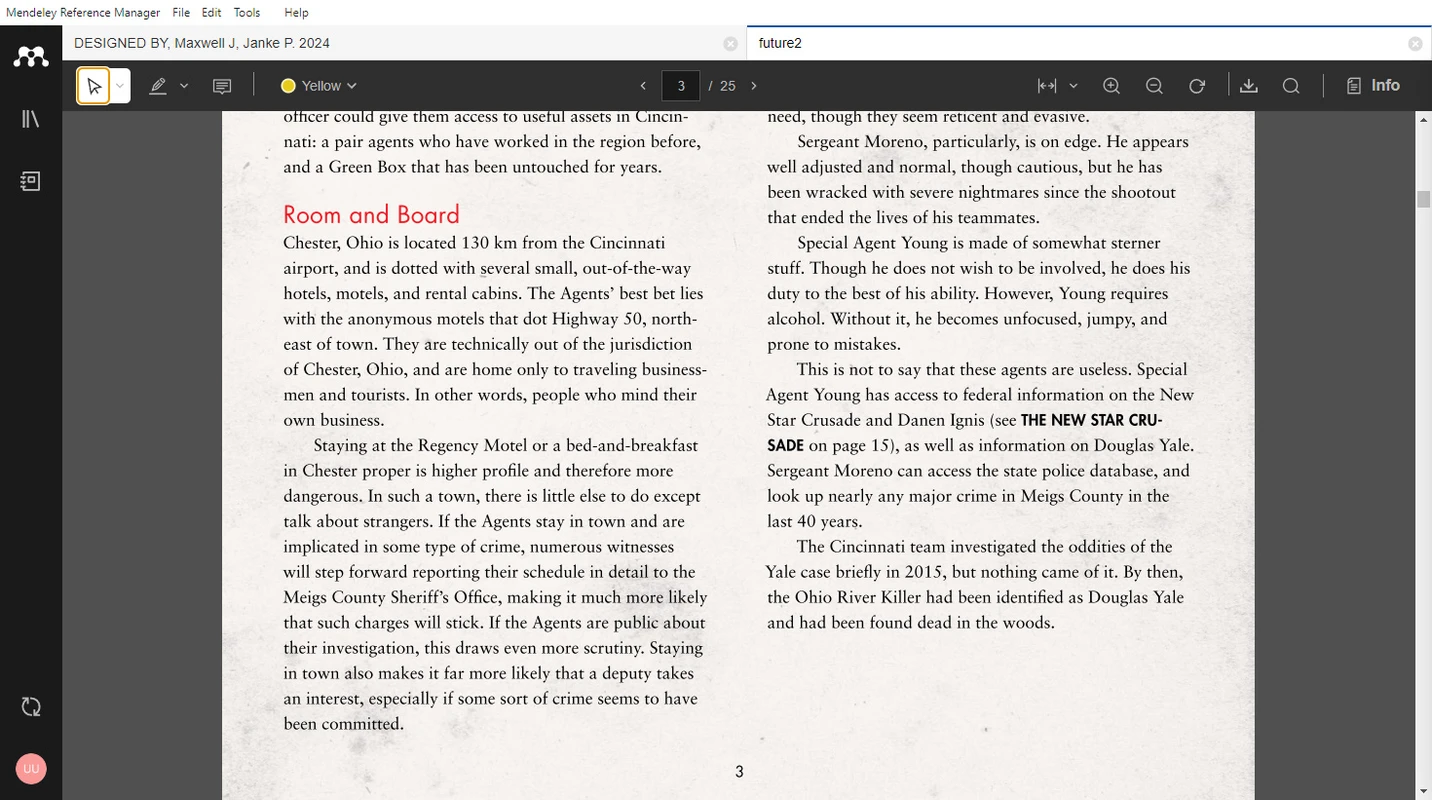
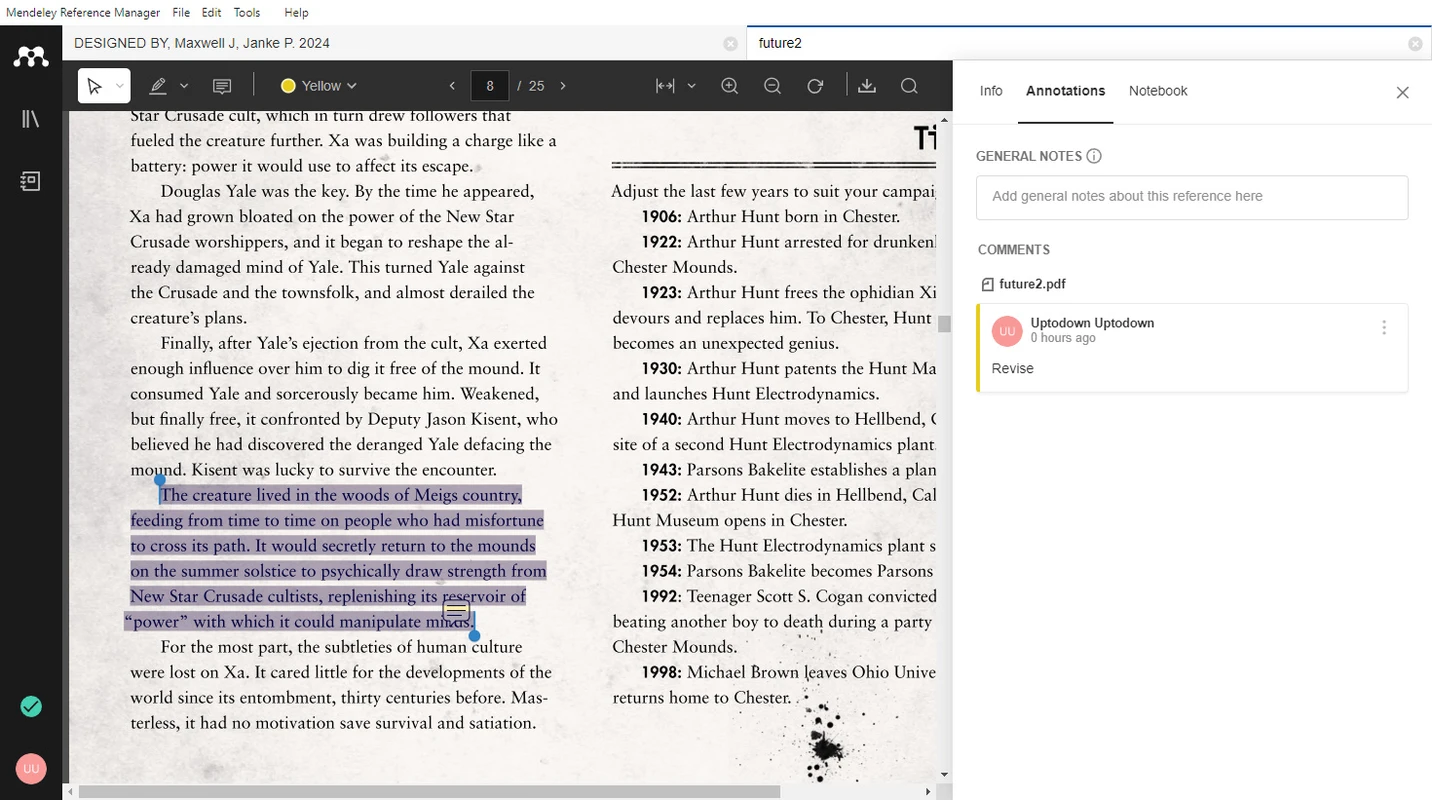
Open attached PDFs inside Mendeley Reference Manager. Highlight passages in multiple colors, add sticky notes, zoom pages, and keep annotations with the reference record.
Send passages to the Notebook when you want notes that travel with the paper instead of a separate document.
If annotations fail to syncAnnotations sidebar and shared comments
The Info, Annotations, and Notebook tabs keep metadata, comments, and reading history beside the PDF. Teams can leave review notes on a file without exporting a separate markup PDF.
Pair this with groups when a lab needs a shared collection rather than emailed file copies.
Mendeley Cite for Microsoft Word
Insert in-text citations and generate bibliographies from your library without typing each reference by hand. Supported environments include Word 2016, Word 2019, Office 365, Word for iPad, and Word Online.
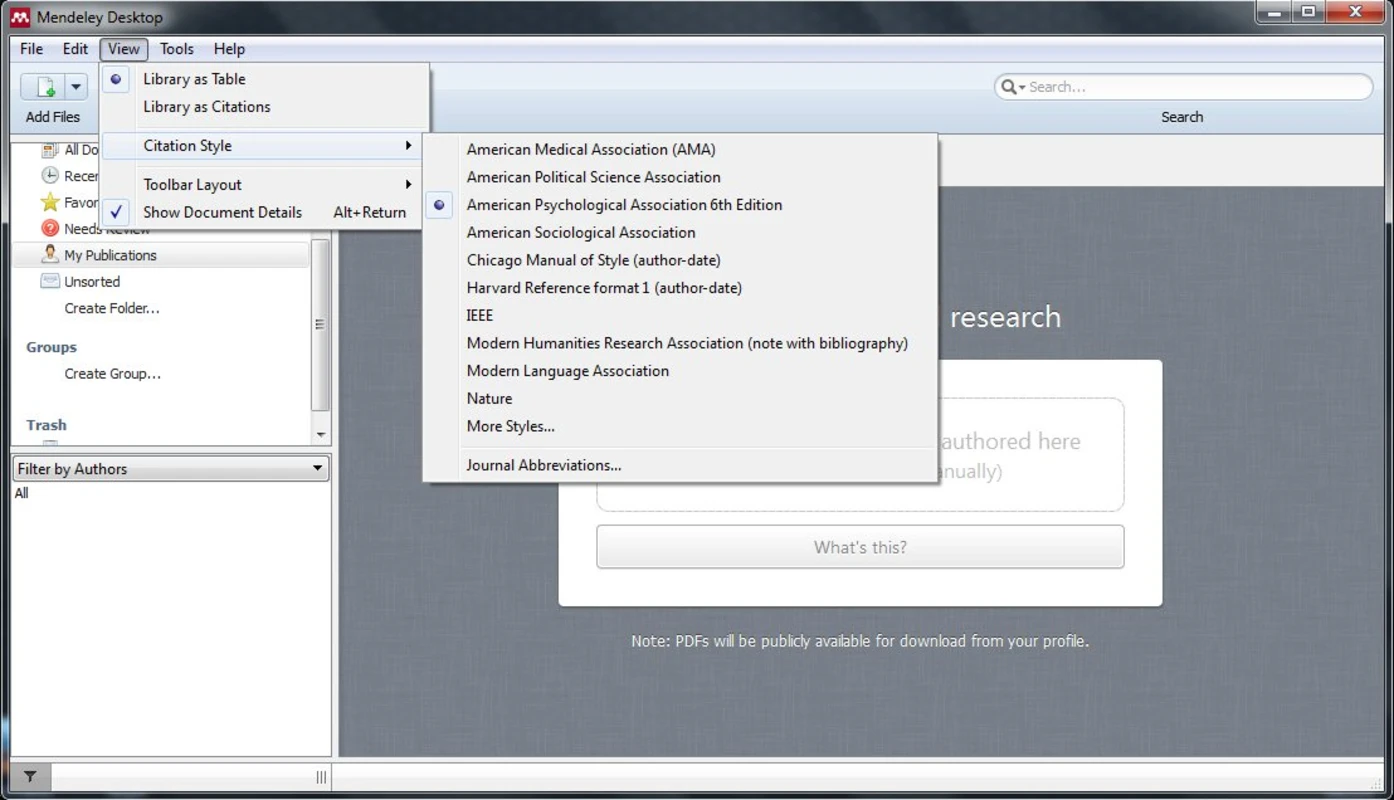
Choose common styles such as APA, MLA, Chicago, Vancouver, and IEEE, search for additional styles, or add custom CSL files when your journal requires one.
Fix Cite issues with Track ChangesCitation checklist
- Library source
- Synced Mendeley Reference Manager library
- Add-in
- Mendeley Cite (separate from the desktop app)
- Known limit
- Track Changes can duplicate or corrupt citation fields; turn it off while editing citations
Ask your library and explore literature
AI helpers in Mendeley can answer questions from documents already in your library, with clickable numbered citations and visible reasoning steps. Product updates also expanded Explore Literature with LeapSpace to all users in version 2.146.1.
Treat generated summaries as reading aids. Verify claims against the PDF before you cite them in a manuscript. See the homepage Ask my library preview for a full interaction example.
Reading Assistant and paper summaries
Reading Assistant style tools summarize sections, answer questions about a publication, and keep the library table nearby so you can jump back to metadata or Cite actions.
Download the current Windows build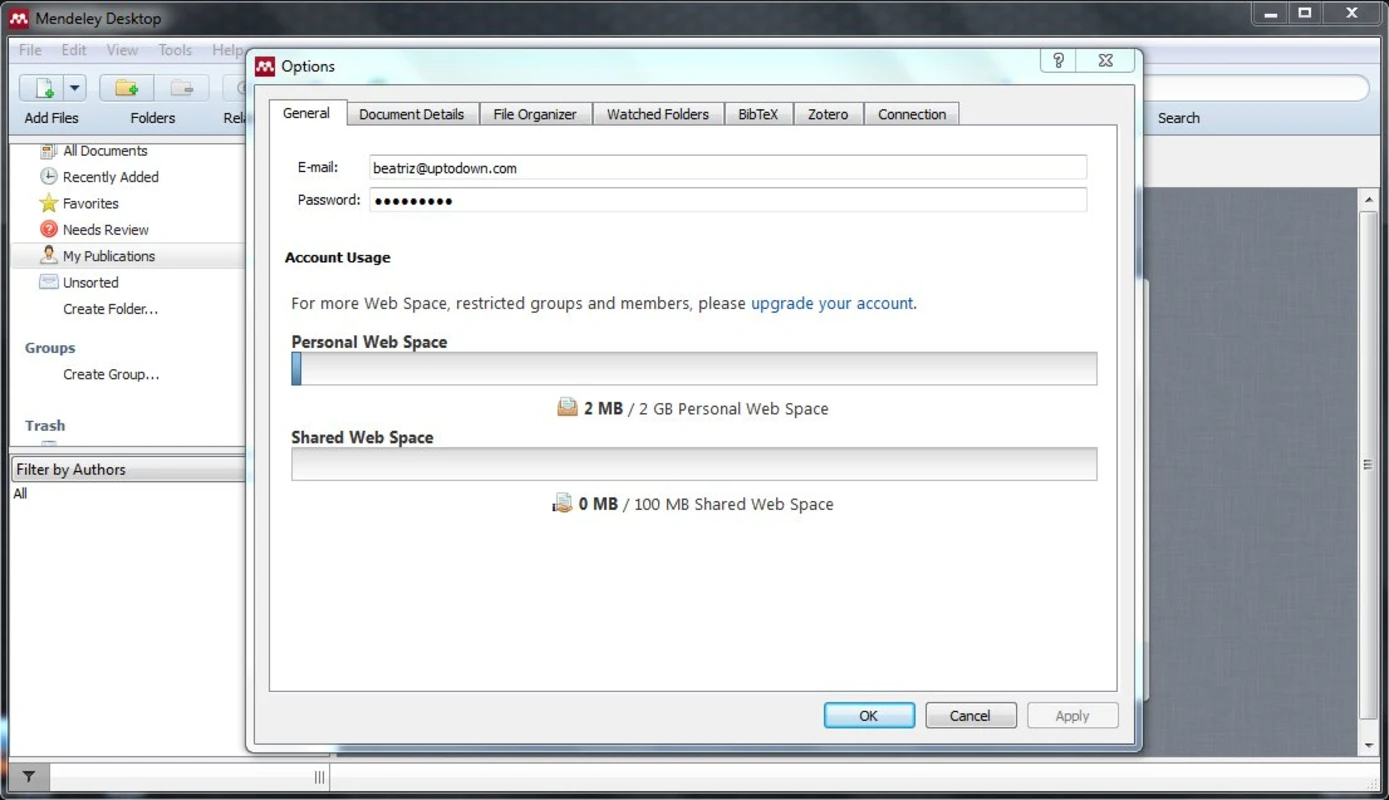
Capability and platform table
Verified platform and storage details for planning installs.
| Area | Detail |
|---|---|
| Product | Mendeley Reference Manager (successor focus vs legacy Desktop) |
| Windows | Windows 10 and above, x64 |
| Other clients | macOS, Linux packages, Mendeley Web, mobile companions where offered |
| Free storage | About 2GB personal cloud; about 100MB shared group storage on free accounts |
| Word add-in | Mendeley Cite for Word 2016 / 2019 / Microsoft 365 |
| Browsers (web) | Current major versions of Chrome, Firefox, Edge, Safari; JavaScript and cookies required |